Connect the panel to Claude and ChatGPT
The \"AI connections\" page has everything to connect Claude, ChatGPT, Claude Code, Cursor and VS Code. You sign in with your own account, choose which businesses the app can reach, and disconnect any app whenever you like.
Product update 2 min read
What changed
You can now work with your business data from inside Claude or ChatGPT: look up customers, create tasks, ask about invoices, and anything else the panel's console can do. The "AI connections" page is built for it:
- The MCP server address with a copy button, and step-by-step connection for Claude, ChatGPT and Claude Code.
- Ready-made downloads: a Claude Desktop extension, a Claude Code plugin, a Claude skill and a ChatGPT app kit.
- Safe sign-in: when an app connects, a consent page opens in the panel and you choose which businesses it may reach.
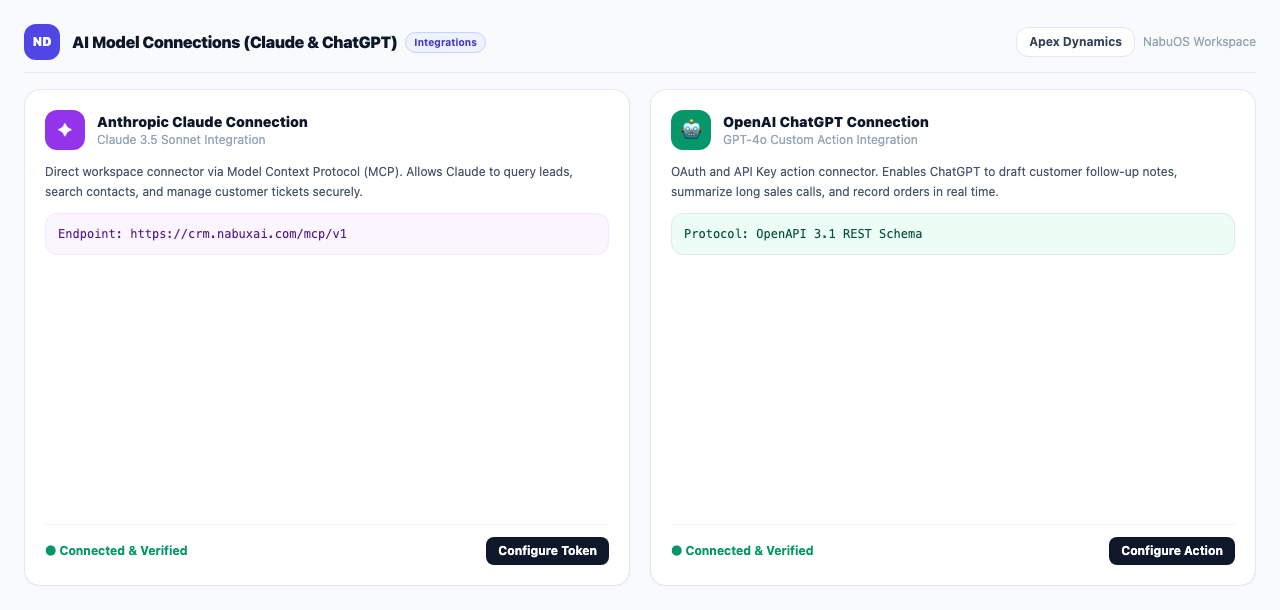
Further down are "Personal keys" for clients such as Cursor and VS Code, and "Connected apps" with when each was last used. "Revoke" a key or "Disconnect" an app and it stops at once. Connections now survive server updates.
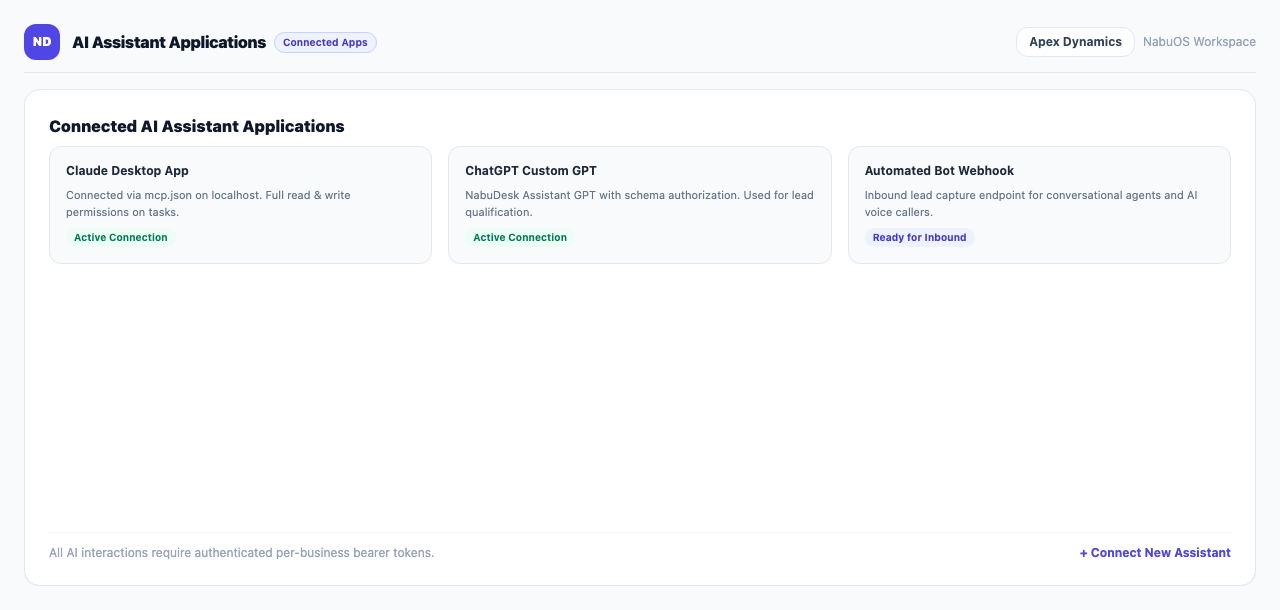
How to use it
- Under "AI and connections", open AI connections.
- Claude: in Claude go to Settings → Connectors → Add custom connector, paste the MCP server address and press Connect. Sign in on the page that opens, choose the businesses and press "Allow Access".
- ChatGPT: in ChatGPT Settings → Apps → Advanced settings turn on developer mode, create an app, paste the address and choose OAuth.
- Claude Code: run the command shown on the page, then type
/mcpinside Claude Code to sign in. - Cursor and VS Code: press "New key for this business" and copy the key right away; it is shown only once.
Good to know
- Anything that changes data, such as creating a task or raising an invoice, first waits as an approval request in the console and never runs without your say-so.
- The page shows in the menu for business managers.