Assets, loans and the month end
Depreciate an asset month by month and dispose of it with its gain or loss; spread a prepaid expense; repay a loan in equal instalments split into principal and interest, with a reminder; book the payroll's liabilities, advances to staff and accrued expenses; revalue a foreign-currency account; and see the owner's drawings by month.
Product update 2 min read
What changed
Accounting has two new pages under the accounting menu: Assets and loans and Month-end.
Assets and loans
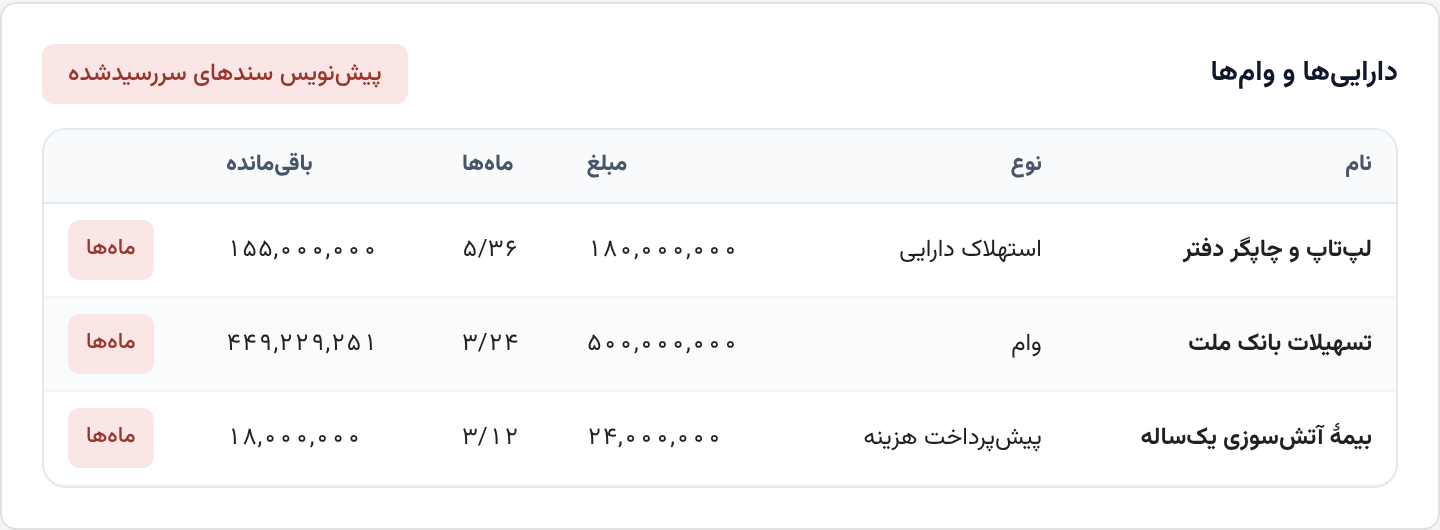
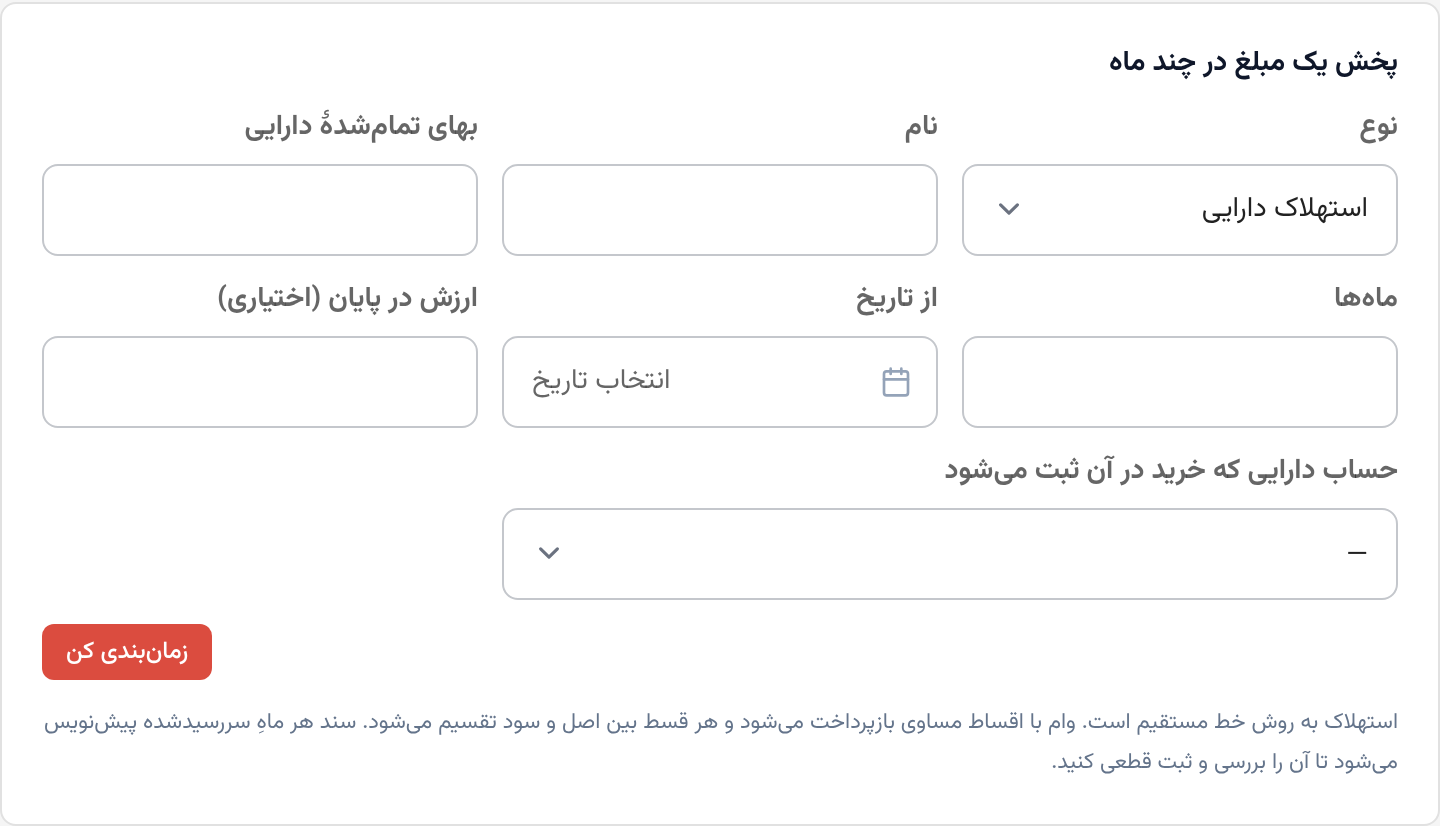
Anything spread over months is scheduled once, and each month that comes due is drafted as a voucher for you to check and post — on its date, or now with Draft what is due now.
- Asset depreciation: straight-line from the asset's cost to what it is worth at the end. Dispose of the asset takes its cost and depreciation out of the books and books the gain or loss against what it was sold for.
- Prepaid expense: a year's insurance paid up front is used up month by month.
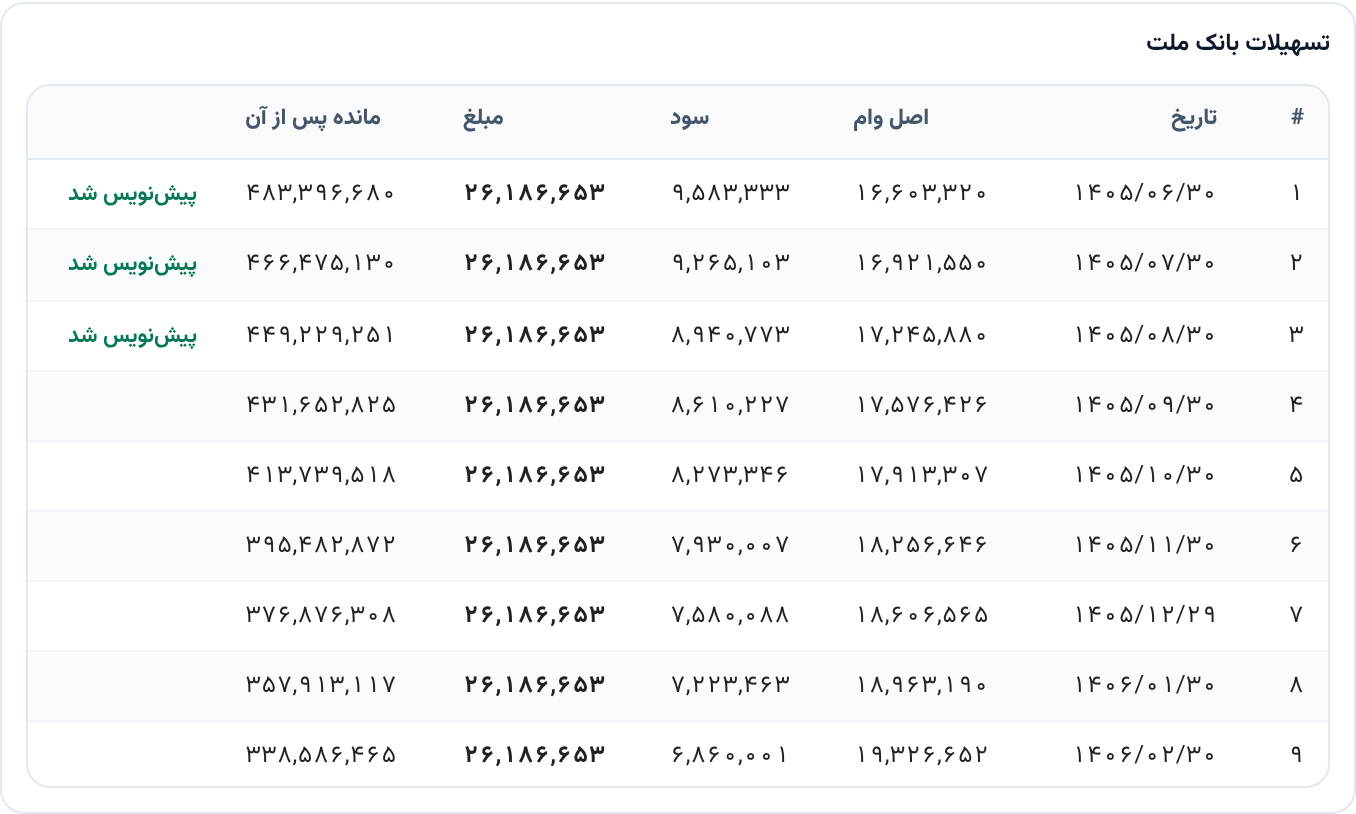
- Loan: received into a bank account and repaid in equal instalments, each split between principal and interest, on the same day of each month in the business's calendar. The owner gets a push three days before each instalment.
Months shows every month: its date, the amount, and for a loan the principal, the interest and what is still owed.
Month-end
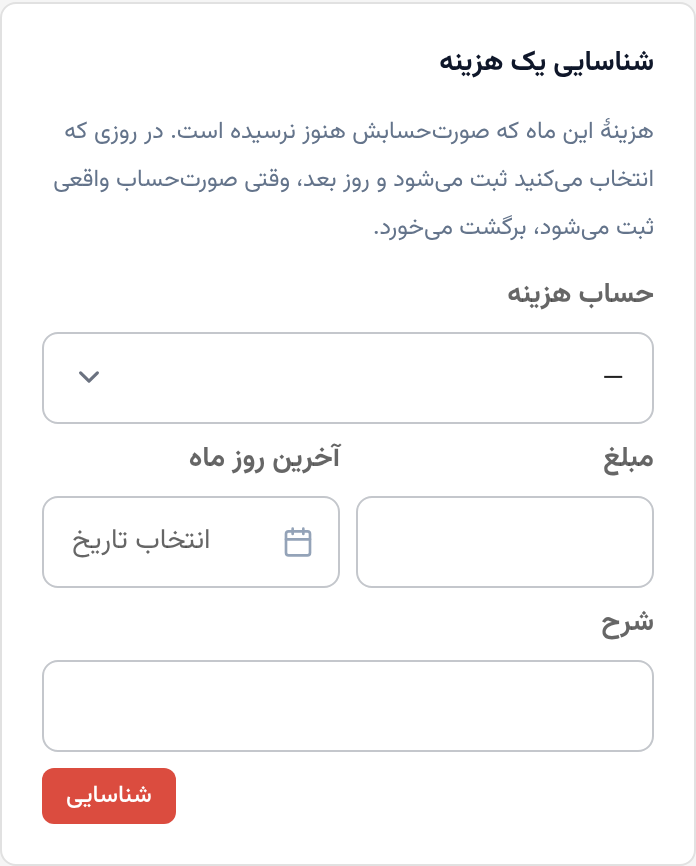
- Accrue an expense: this month's cost whose bill has not come yet, booked on the month's last day and taken back the next day.
- Payroll liabilities: from the month's payslips, what was withheld is owed to the government, and the employer's insurance (at the rate you set) is a cost on top.
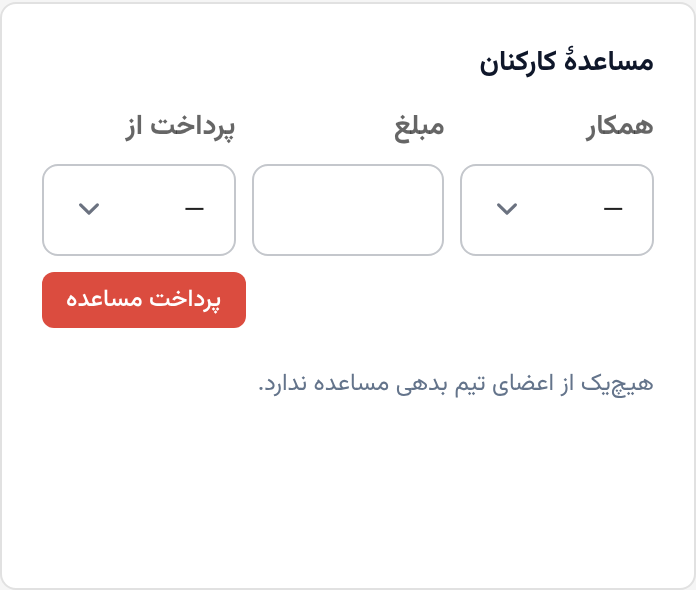
- Advances to staff: money given ahead of pay sits on the colleague's own detail account; the list shows what each still owes.
- Foreign-currency accounts: type the balance the bank shows in that currency; the account is measured at today's rate and the difference booked as an exchange gain or loss.
- Owner's drawings: what the owner took out, month by month.
How to use it
- Accounting → Assets and loans: fill Spread an amount over months and press Schedule it.
- Check and post the drafted vouchers in Journal vouchers.
- Accounting → Month-end at the end of each month.