Books: profit and loss and a balance sheet, straight from your invoices and expenses
The Books screen builds profit and loss, a balance sheet, cash and bank balances, money owed both ways and a VAT report from the invoices, payments and expenses you already record, with no journal entries by hand.
Product update 2 min read
What changed
Accounting now has a "Books" screen read from your everyday work: invoices, payments, credit notes and expenses. You don't have to write a journal entry to get a report.
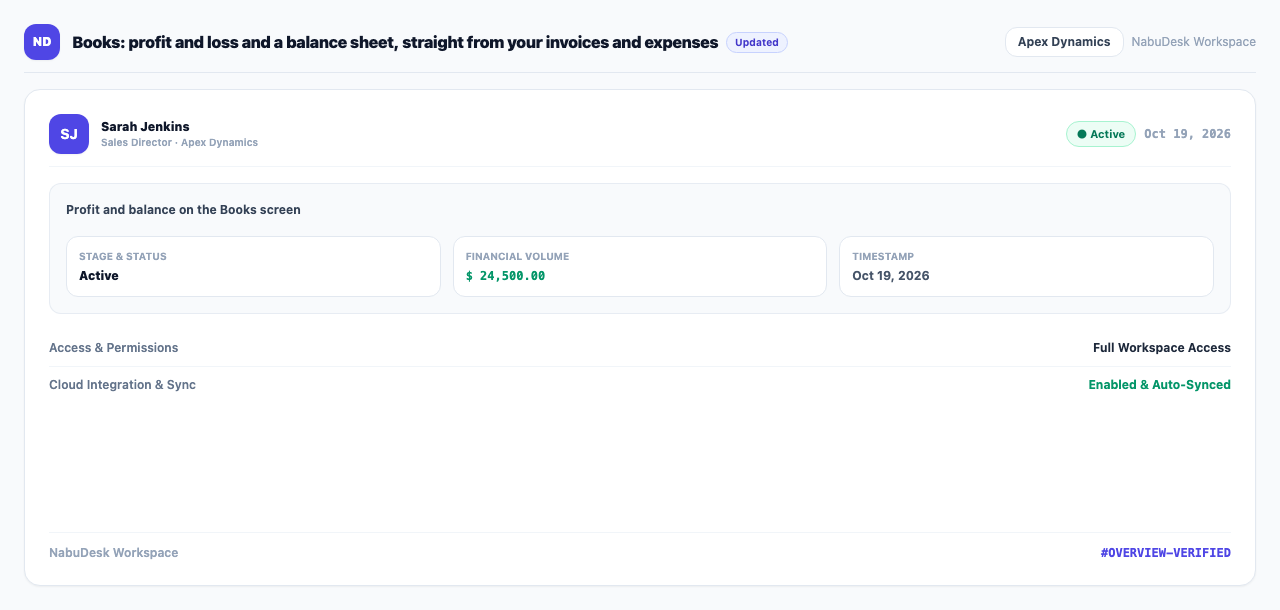
It has five tabs:
- Profit and balance: income, spending, profit and the closing balance sheet.
- Money accounts: the balance of each cash box, card reader and bank account.
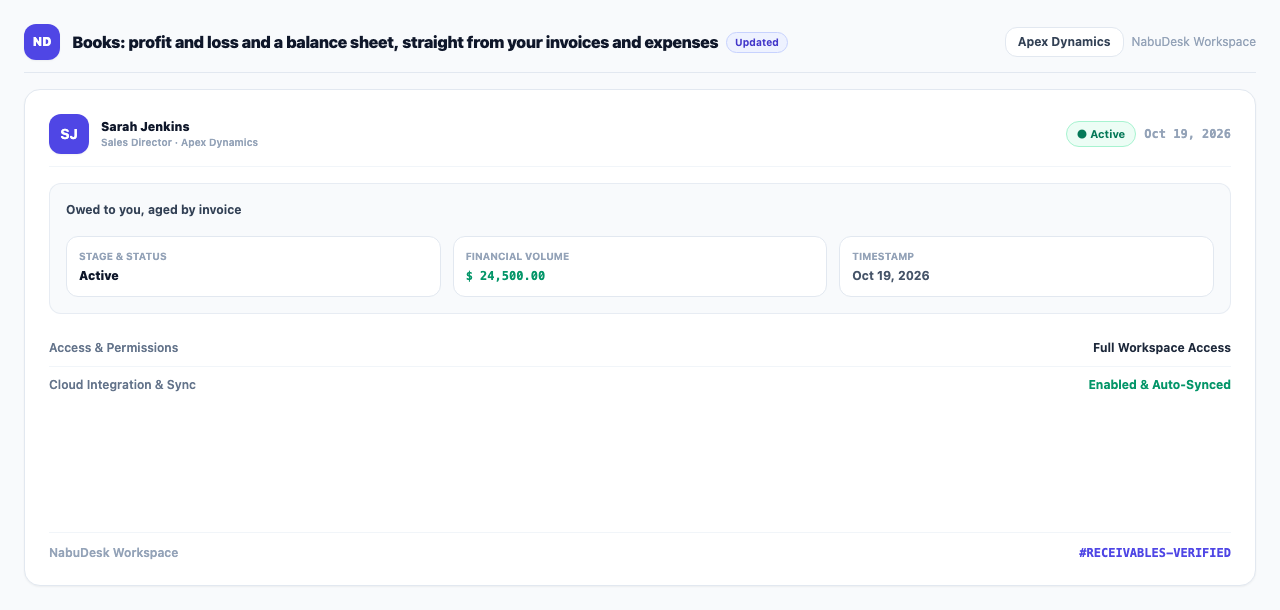
- Owed to you and You owe: what customers owe you and what you owe suppliers, aged.
- VAT: tax on sales and purchases.
Money that moved without an invoice can be recorded too: an opening balance, a transfer between accounts, the owner putting money in or taking it out, and VAT paid. The expense form has "Bought on credit — not paid yet", so supplier bills sit in what you owe with their due date until you press "Mark paid".
How to use it
- Under "Money and accounting", open Books.
- Pick the period at the top and move between tabs.
- To record money without an invoice, choose the kind of movement, enter the amount and accounts, and press "Record".
- To move the figures to other accounting software, press Journal for Holoo / Sepidar (CSV).
Good to know
- Reading the books needs billing access; recording needs billing management.
- Each payment mode (cash, card reader, transfer) is its own money account in the books.
- For manual vouchers, the ledger and cheques, use the "Accounting" screen.