Stronger identity checks — live selfie and automatic document reading
Passport and ID card checks now take a live selfie — the customer turns their head both ways in front of the camera, proving a real person rather than a photo. The document's printed fields are read automatically; an expired document is refused and a mismatched name waits for you.
Product update 1 min read
What changed
This combines our two identity systems: Biko's face-match engine and udrive's stricter approach.
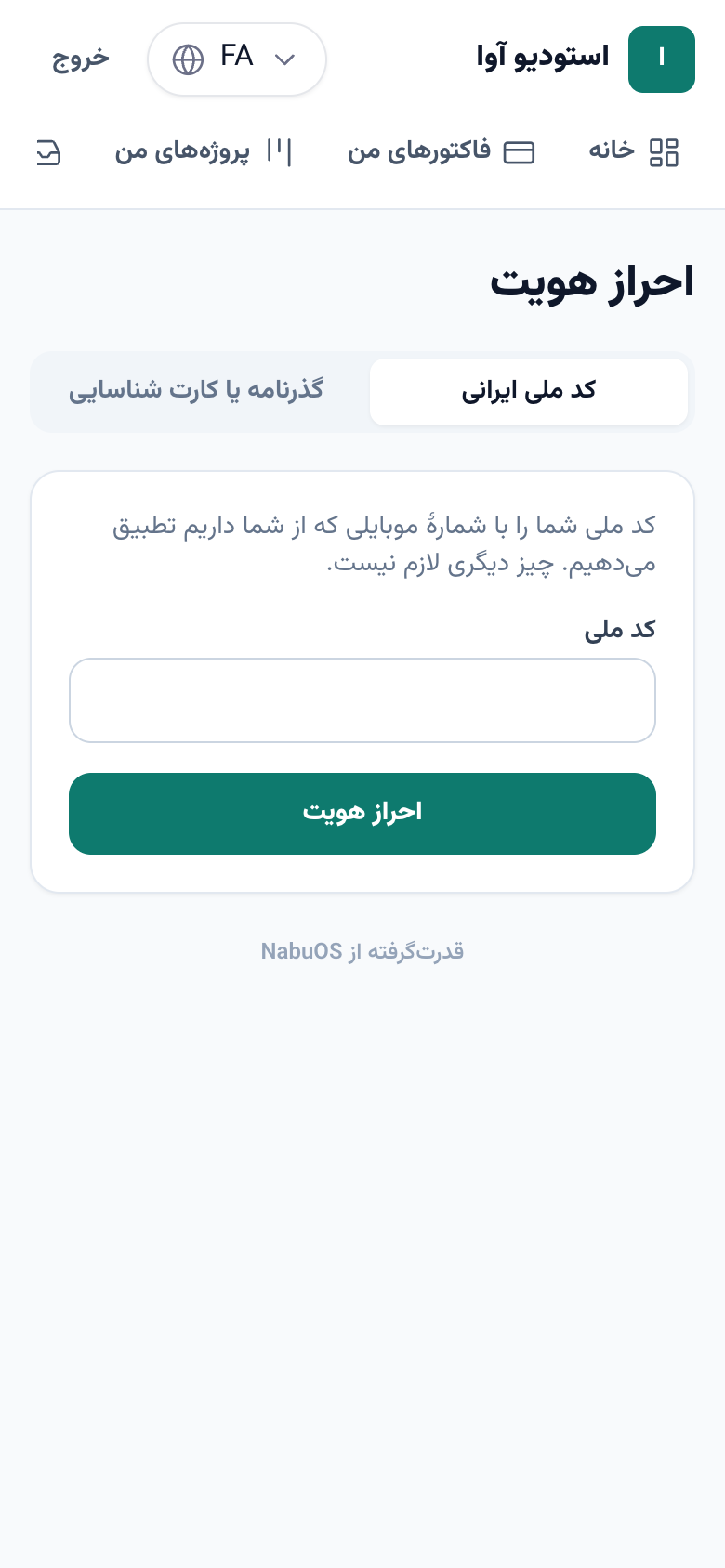
- Live selfie: on the verification page the customer presses Open the camera, looks straight at it, then turns their head to one side and then the other. The engine checks that all three frames are the same person and that the angles really differ.
- Only a live selfie verifies automatically: a customer without a camera can still upload a selfie; the check then waits for you instead of passing by itself.
- AI document reading: the name, document number and expiry date are read off the photo:
- an expired document is refused, and the customer is asked for a valid one;
- a name that doesn't match the one you have for the customer waits for your review.
Good to know
- The Identity checks page shows the live-selfie result and the fields read from the document next to the photos.
- The reading is advice only; nothing is verified on it alone.