Office letters and a secretariat: referrals, notes, outgoing numbers and incoming registration
Write internal letters to colleagues and see who read them and when. Add notes under a letter, refer it on to others, and in the secretariat number outgoing letters and register incoming ones.
Product update 2 min read
What changed
The new "Letters" section is built for formal correspondence inside the business:
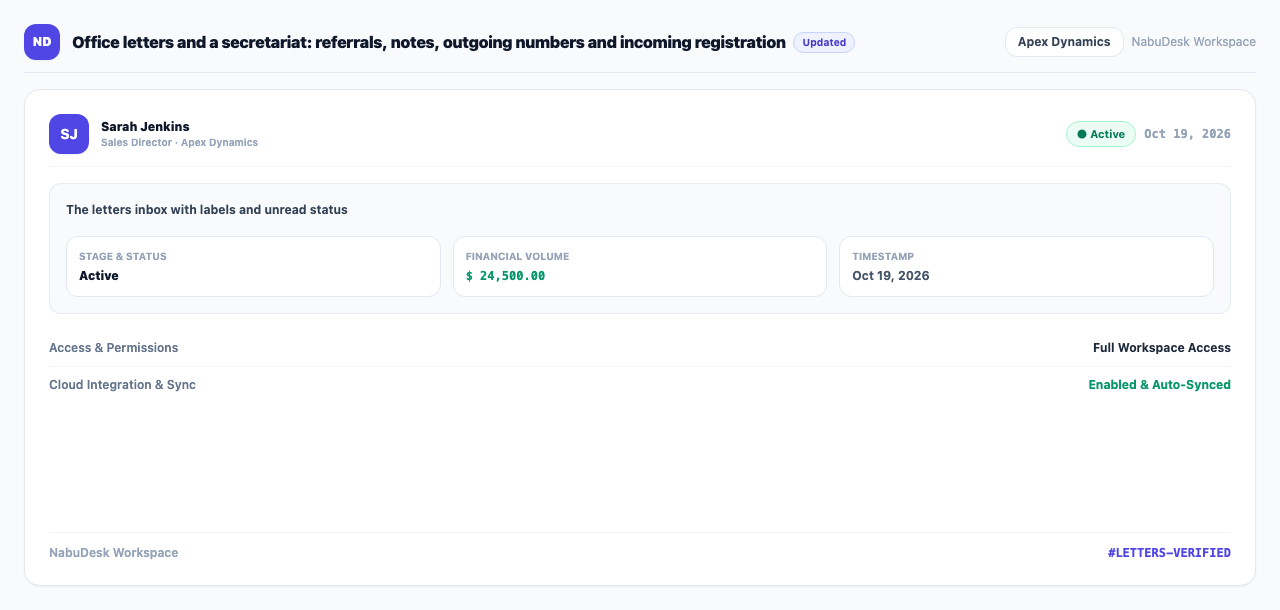
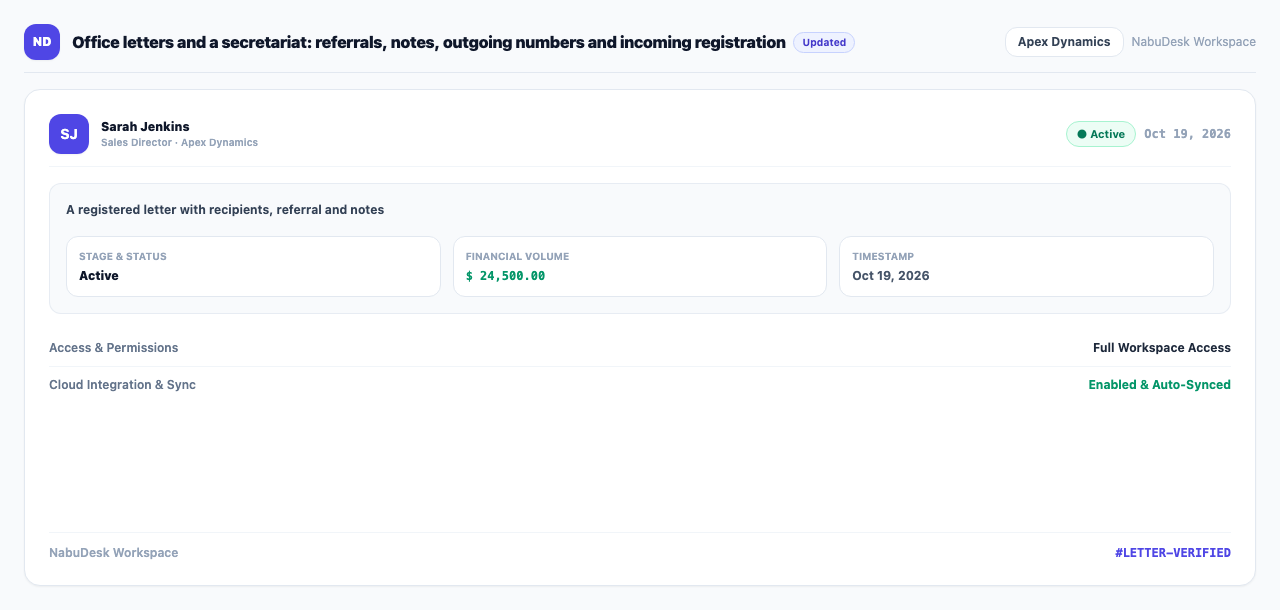
- Internal letters: write to one or more colleagues. Each recipient shows whether and when they read it.
- Notes and referrals: anyone on a letter can add a note (paraf) underneath or refer it to another colleague.
- Secretariat: outgoing letters take a number from your number series, and letters from outside are registered as incoming with the sender's own number.
- Labels, archive, print and turn into a task for any letter.
How to use it
- Under "Work", open Letters.
- Press "New letter", choose recipients, write the subject and text, and send.
- On a letter, press Refer to send it to someone else, or add a note underneath.
- For a formal outgoing letter press "Number it". For a letter received from outside press "Register incoming" and enter the sender's letter number.
- Create number series under Outgoing number series with "Add series" (prefix, suffix and starting number).
- Find letters with the "Inbox", "Outbox", "Archived", "Registered incoming" and "Registered outgoing" tabs and the "Unread" filter.
Good to know
- Numbering and registering need the "Number and register letters (secretariat)" permission, which Administrator and Operations manager have by default. You can give it to other roles in "Team management".
- "Letters and secretariat (NabuLetter)" is an add-on.
- In the Mizito theme, Letters is one of the eight main rooms on the side.