Meet Nabu: the NabuOS robot now keeps you company in the panel
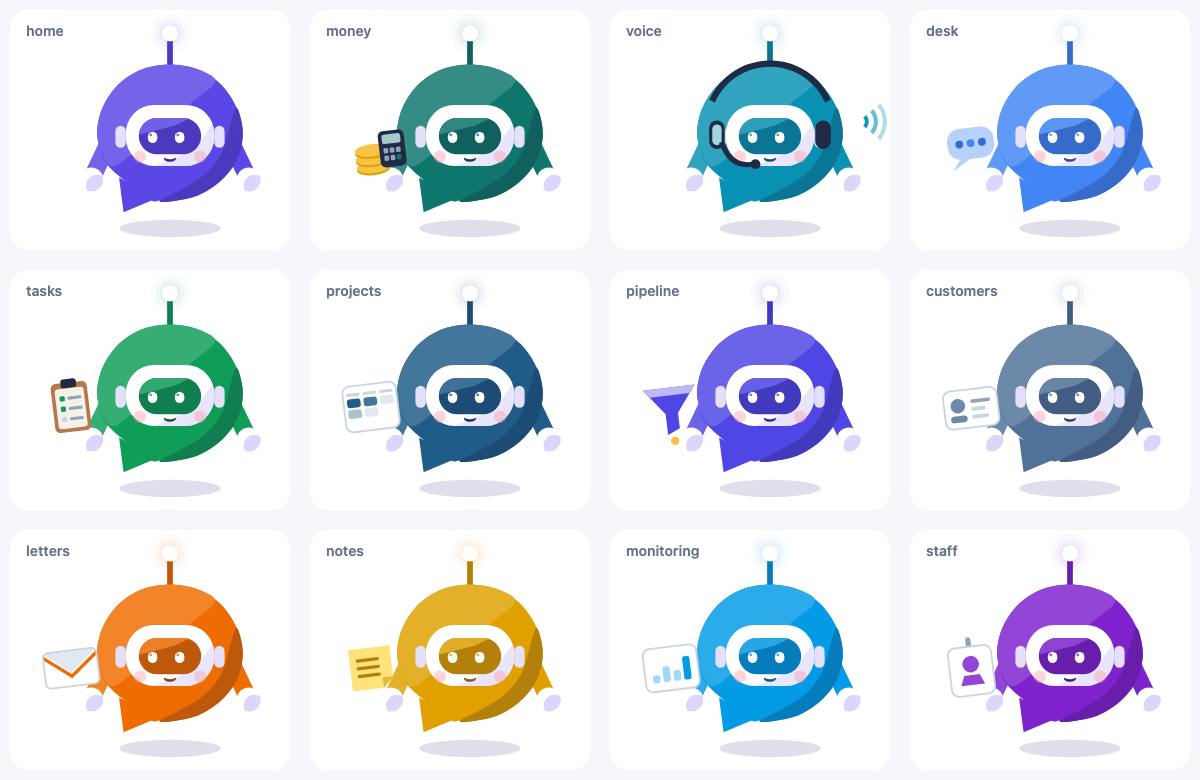
The robot from the NabuOS logo is alive in the panel. He keeps you company at sign-in, shows the way in empty lists, watches the cards on your work desk and cheers when a deal is won or a task is done. In every section he wears that section's colour and holds its tool.
Product update 2 min read
What changed
Nabu, the robot in the NabuOS logo, is now an animated character that reacts to what you do. He is drawn in code, light and fast, and moves only while he is on screen.
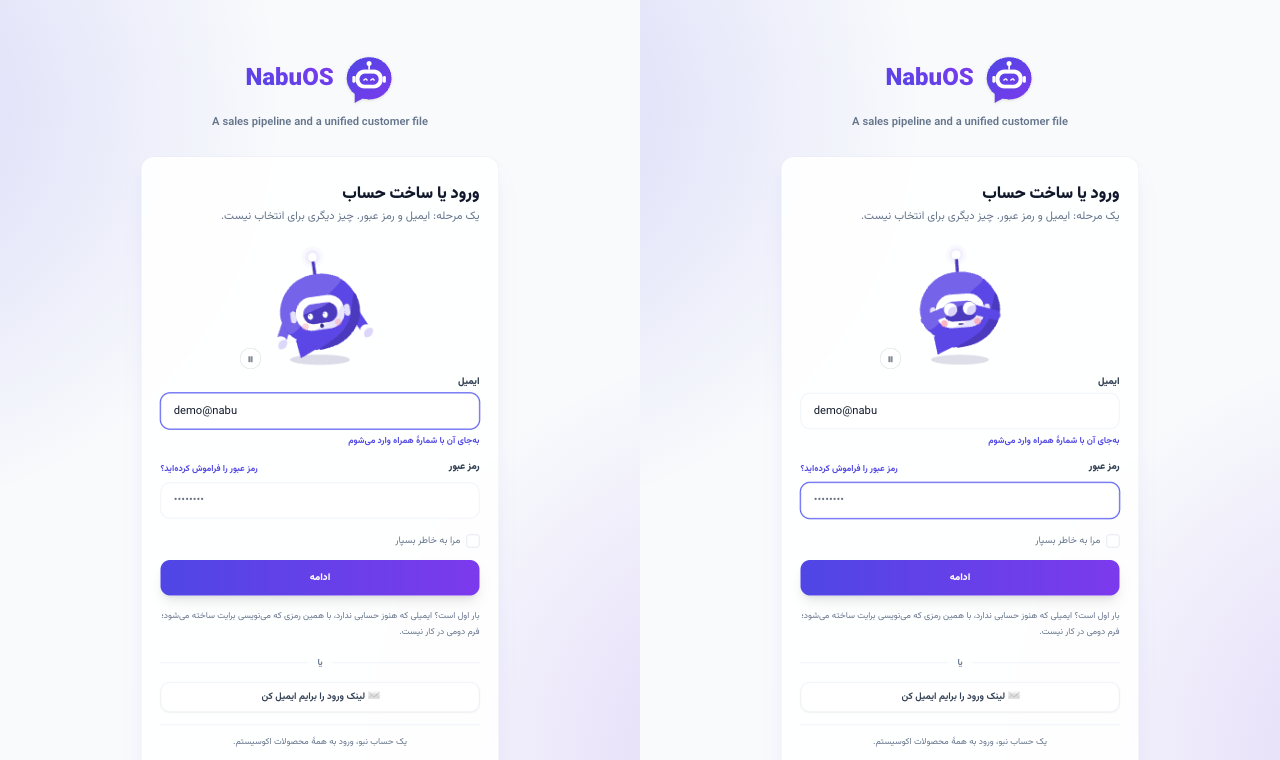
- Sign-in: his eyes follow your email as you type it, he covers his eyes while you type your password, and he looks worried after a failed attempt.
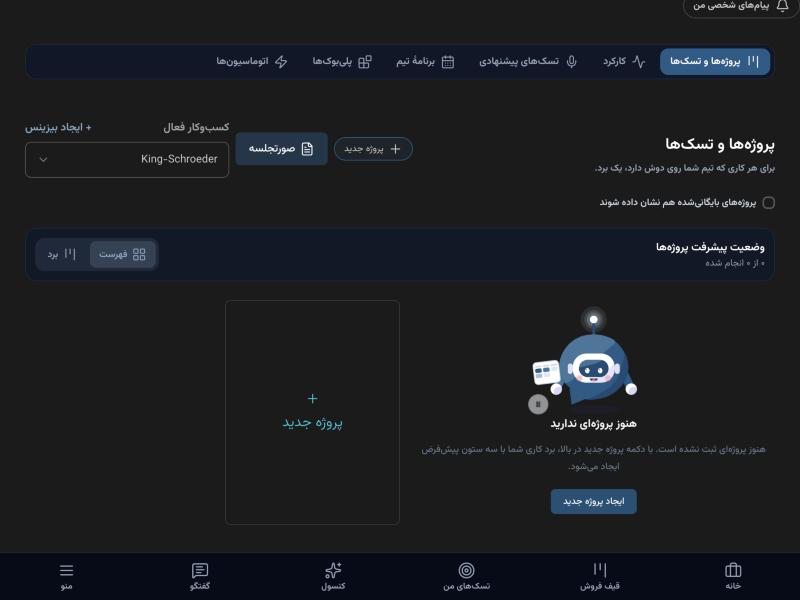
- Empty lists: on leads, projects, tasks and invoices, instead of a grey box, Nabu points at the button that gets you started.
- Work desk: he sits beside your greeting and turns to whichever card you point at.
- Success moments: when a deal moves to a won column, a task is done or an invoice is fully paid, he jumps and cheers in the corner of the screen.
In every section he wears that section's colour and holds its tool: coins and a calculator in accounting, a headset in Voice, a chat bubble in Desk, a clipboard in tasks, a funnel in the pipeline.

How to use it
- Nothing to do: Nabu shows up in these places by himself.
- To stop him, press the small pause button beside him. The choice holds on every page and also turns off the cheers; press it again to bring him back.
Good to know
- With reduced motion turned on in your device's settings, Nabu stays still and only his face changes.
- Nothing you type in the sign-in form is recorded; Nabu only knows where the caret is.