The panel skin no longer changes when you open another page
The skin you pick under **Panel skin** is now saved on your account and stays on every page and device. Before, the pick stayed in that browser only, and the next page brought the old skin back.
Product update 1 min read
What changed
- The skin is saved on your account. Pick a skin under Panel skin (for example Odoo theme or Mizito theme) and the next pages open in it too. Moving to another page or reloading no longer brings the previous skin back.
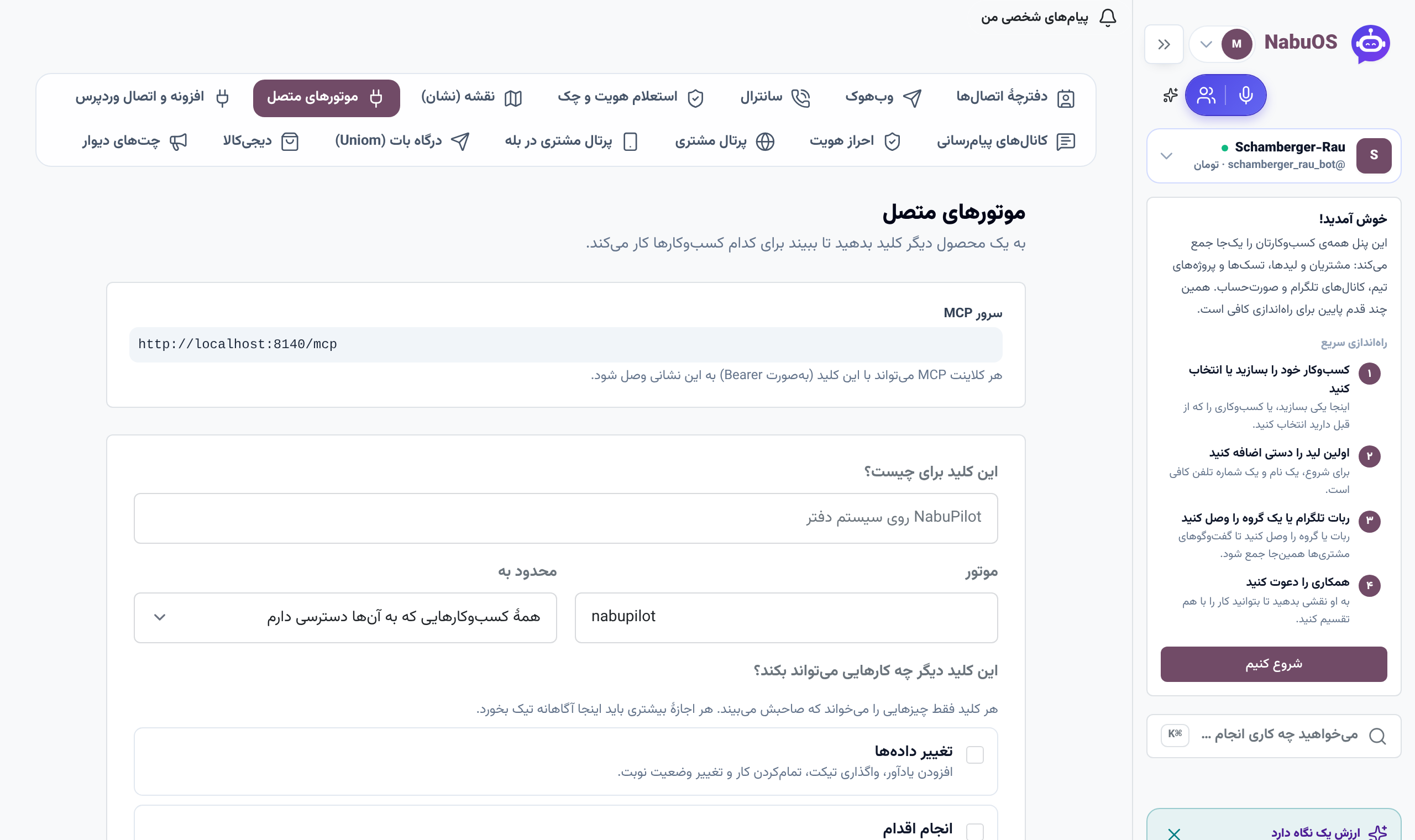
- Light and dark stay too. Switch Light or Dark and go straight to another page: the new page opens in the mode you just chose.
- On every device. The skin and the light/dark mode are kept on your account, so your phone and your other computer show the same.
How to use it
- At the bottom of the side menu, open Panel skin and choose a skin.
- Go to any other page; the skin stays.
- If you had picked a skin before that kept switching back, pick it once more so it is saved on your account.