A website and blog for your business, built from your landing pages
Your landing pages now become a full website with a name, tagline, logo, colour, menu, social links and footer. It has a blog too, and on a custom domain the bare domain opens the site's home page.
Product update 2 min read
What changed
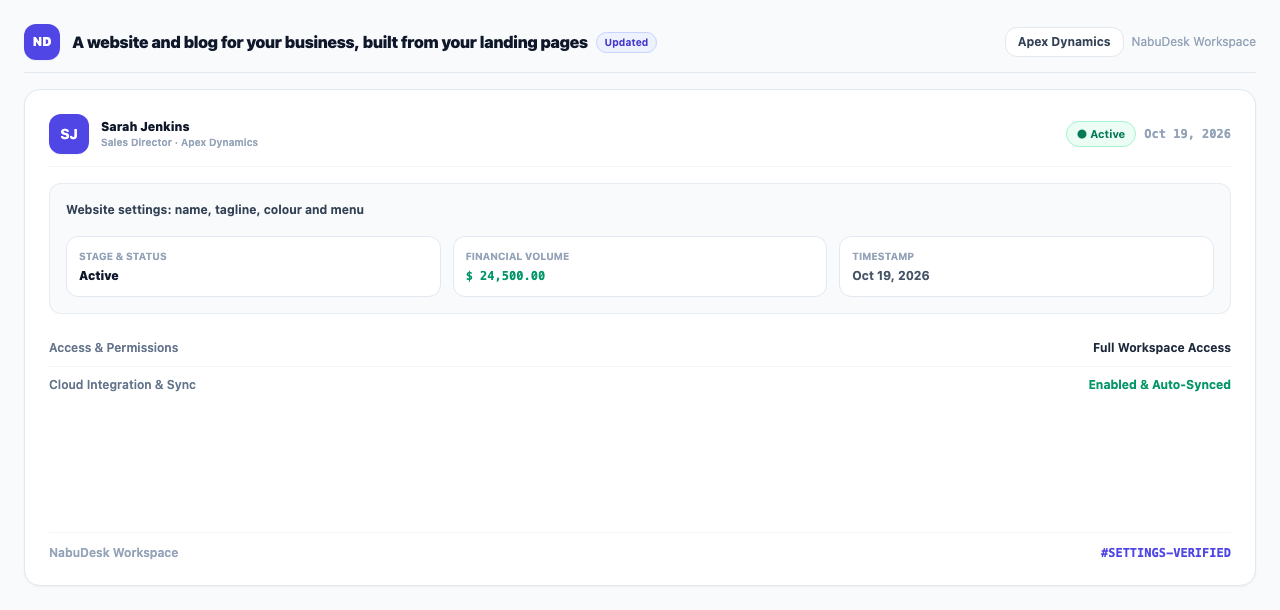
Until now each landing page stood alone. Now you gather them under one site: set the site name, a short tagline, a logo, an accent colour and the home page, build a menu of up to eight items (a page, the blog, the catalogue or a link), and add social links and a footer note. Every published landing page picks up the site's header, menu and footer.
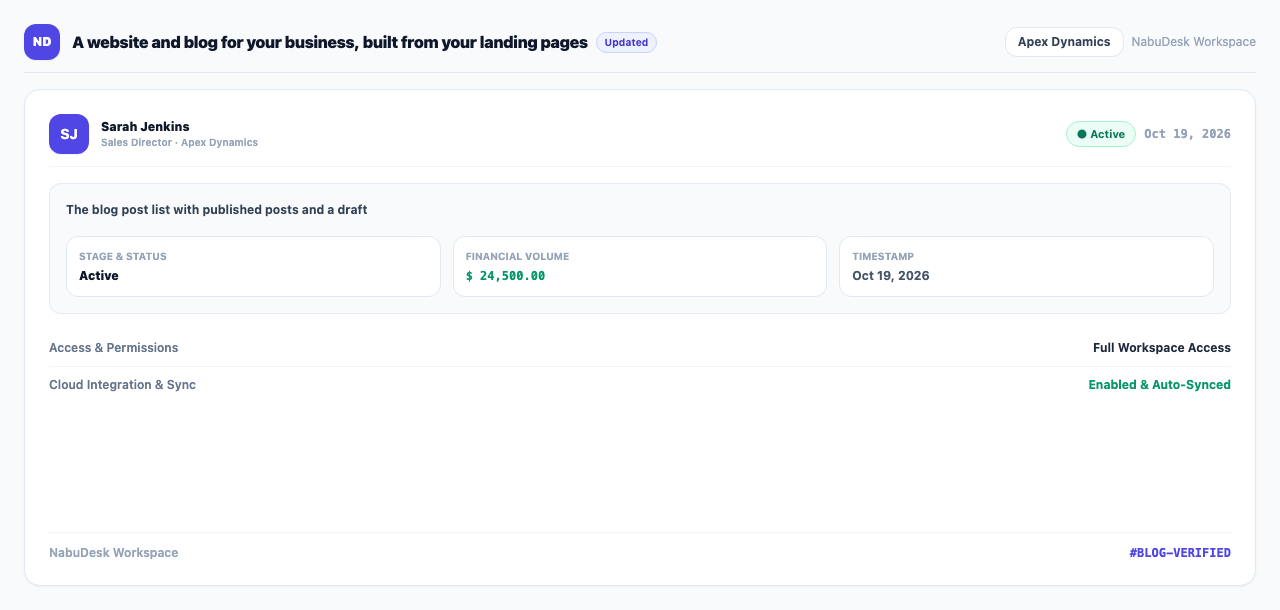
The site has a blog. Write posts in markdown with a cover image and a summary, and choose to publish now or keep a draft. The blog has an RSS feed. With a custom domain connected, the domain itself opens the site's home page and a sitemap is made for search engines.
How to use it
- Under "Marketing and website", open Website.
- Enter the name, tagline, logo and colour, and choose the home page from your landing pages.
- Add items under Site menu, and write the text and social links under Footer.
- Switch on "The website is live" and press "Save the website".
- To write, open Blog, start a new post, and press "Save the post" or "Keep as a draft".
Good to know
- Until the site is published, its public addresses don't open.
- Site settings are for the business manager; writing posts is for roles allowed to send campaigns.
- At least one published landing page is needed for the home page.