WhatsApp through wa.nabuxai.com — automatic replies and sending
A number you linked on wa.nabuxai.com (official WhatsApp Business or WhatsApp Web) now connects to NabuDesk. Customer messages are answered automatically, and messages you send customers from NabuDesk go out from that number.
Product update 2 min read
What changed
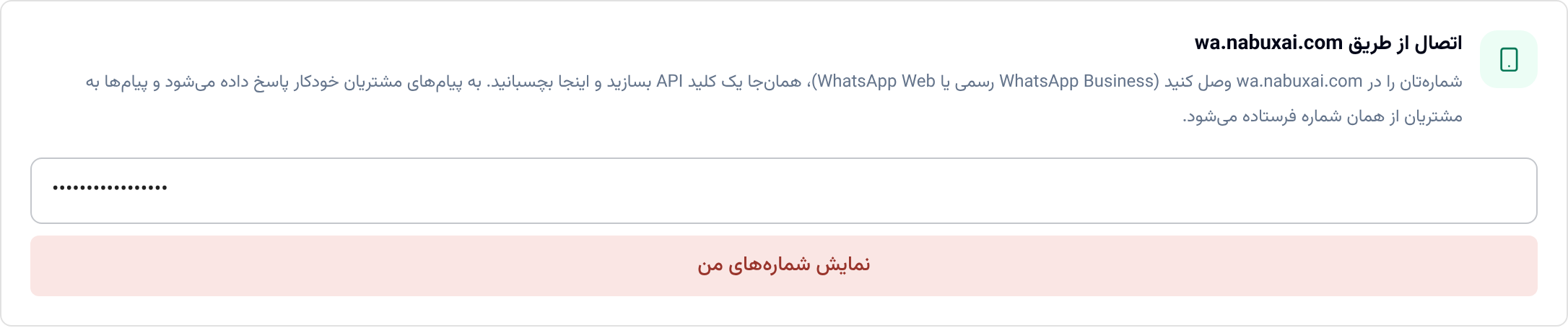
- Connect with one key. Business settings → WhatsApp has a new Connect through wa.nabuxai.com card. Paste the API key you made on wa.nabuxai.com, press Show my numbers, pick the number and press Connect this number. NabuDesk registers its own message address on that number.
- Automatic replies. Every one-to-one message to that number is answered with the same AI, keywords, FAQ and rules as Telegram: nothing is made up, and a question it cannot answer is filed for you.
- Sending. Any message you send a WhatsApp customer from NabuDesk goes out from this number.
- When you answer yourself. Reply to a customer on your own phone and the bot steps back in that chat, so two answers never go out.
- A personal number, in your own voice. On a number linked through WhatsApp Web (QR), the bot writes as you and never sends "your request was sent to support" in your name.
- Looks right in WhatsApp. Tables become short lists, headings become bold, links become "text: address".
- Safe. The key and the signing secret are stored encrypted, and a message without wa.nabuxai.com's valid signature is refused.
How to use it
- Sign in on wa.nabuxai.com and link your number (official WhatsApp Business, or WhatsApp Web by QR).
- Make an API key on its dashboard.
- In NabuDesk: Business settings → WhatsApp → Connect through wa.nabuxai.com, paste the key and connect the number.
Note: on official WhatsApp, Meta allows free text only within 24 hours of the customer's last message; after that, only approved templates.